
Apple CarPlay & Android Auto Activation Brisbane
Every drive starts the same way: your phone knows where you are going, what you want to hear, and who just messaged you, and your Land Rover or Jaguar pretends none of it exists. Here is what the dealer probably never told you: on a huge number of JLR vehicles, the ability to run Apple CarPlay and Android Auto is already built into the factory screen. It was simply never switched on.
If you have been searching for how to add CarPlay to a Land Rover or Jaguar in Brisbane, this page has the complete answer: which infotainment systems qualify, what it costs, wired versus wireless, what happens if your vehicle needs a hardware path instead, and the honest truth about software updates. By the bottom, you will know exactly where your vehicle stands.
At our Capalaba workshop, we activate CarPlay and Android Auto on your factory screen, with dealership-level equipment, in one to two hours while you wait. From $580, subject to your free VIN check, and backed by a 12-month workmanship guarantee.
Why Your Vehicle Never Came With CarPlay
It feels absurd that a hundred-thousand-dollar vehicle shipped without something a hatchback has as standard, so you deserve the real explanation. For years, JLR sold smartphone integration as a paid option rather than standard equipment, so if the original buyer never ticked that box, the software was never enabled, even though the screen and hardware in front of you are identical to a car that has it. Then the 2021 to 2023 semiconductor shortage made things worse, with JLR confirming Australian deliveries would have specification limited just to keep vehicles moving.
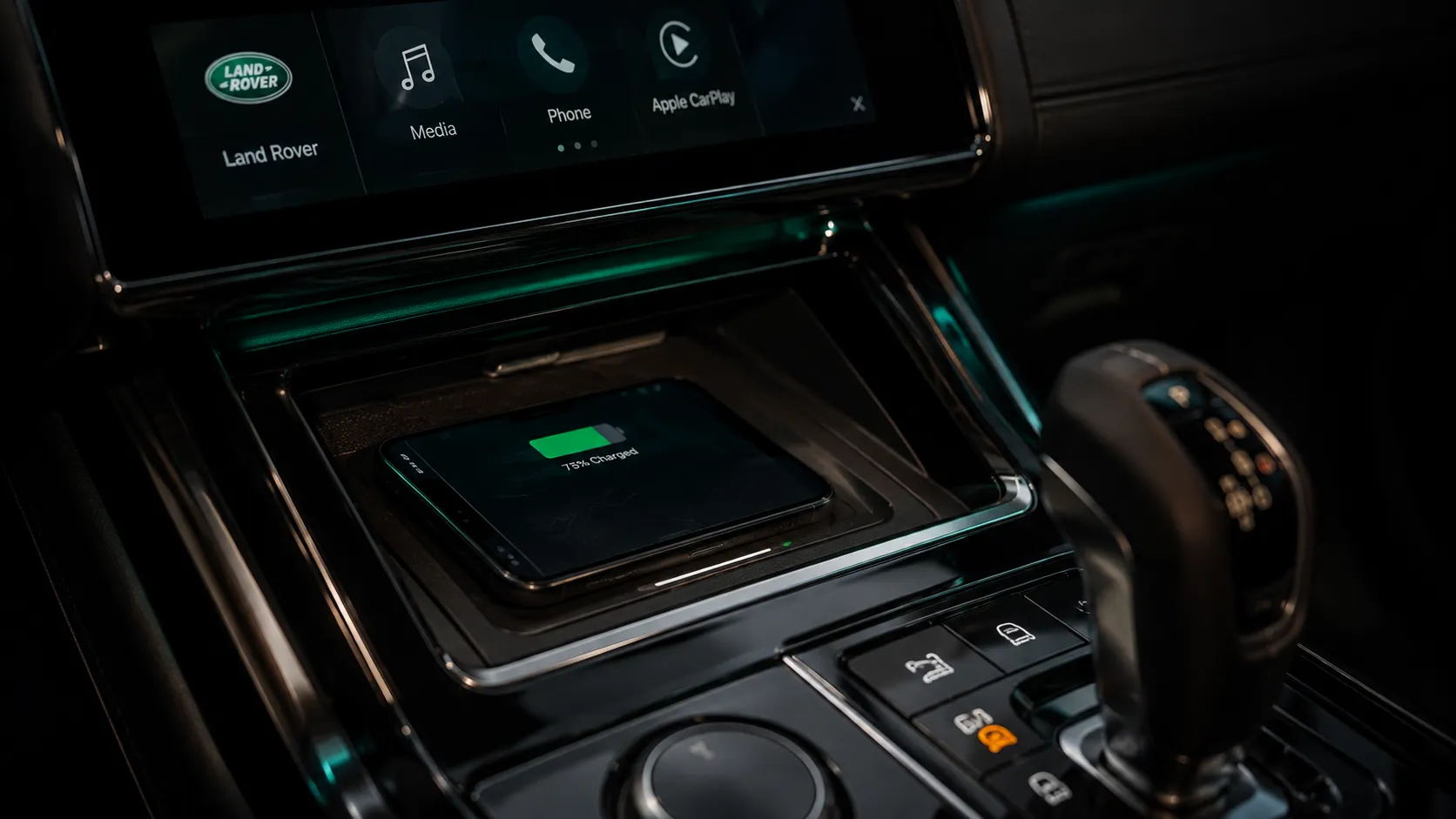
The result either way is the same vehicle in your driveway: fully capable, deliberately silent. An activation switches the capability on through the diagnostic port, on your factory screen, exactly as it works on Land Rover and Jaguar vehicles that shipped with it. No aftermarket head unit, no adapters dangling from the dash, nothing that hurts your resale value.
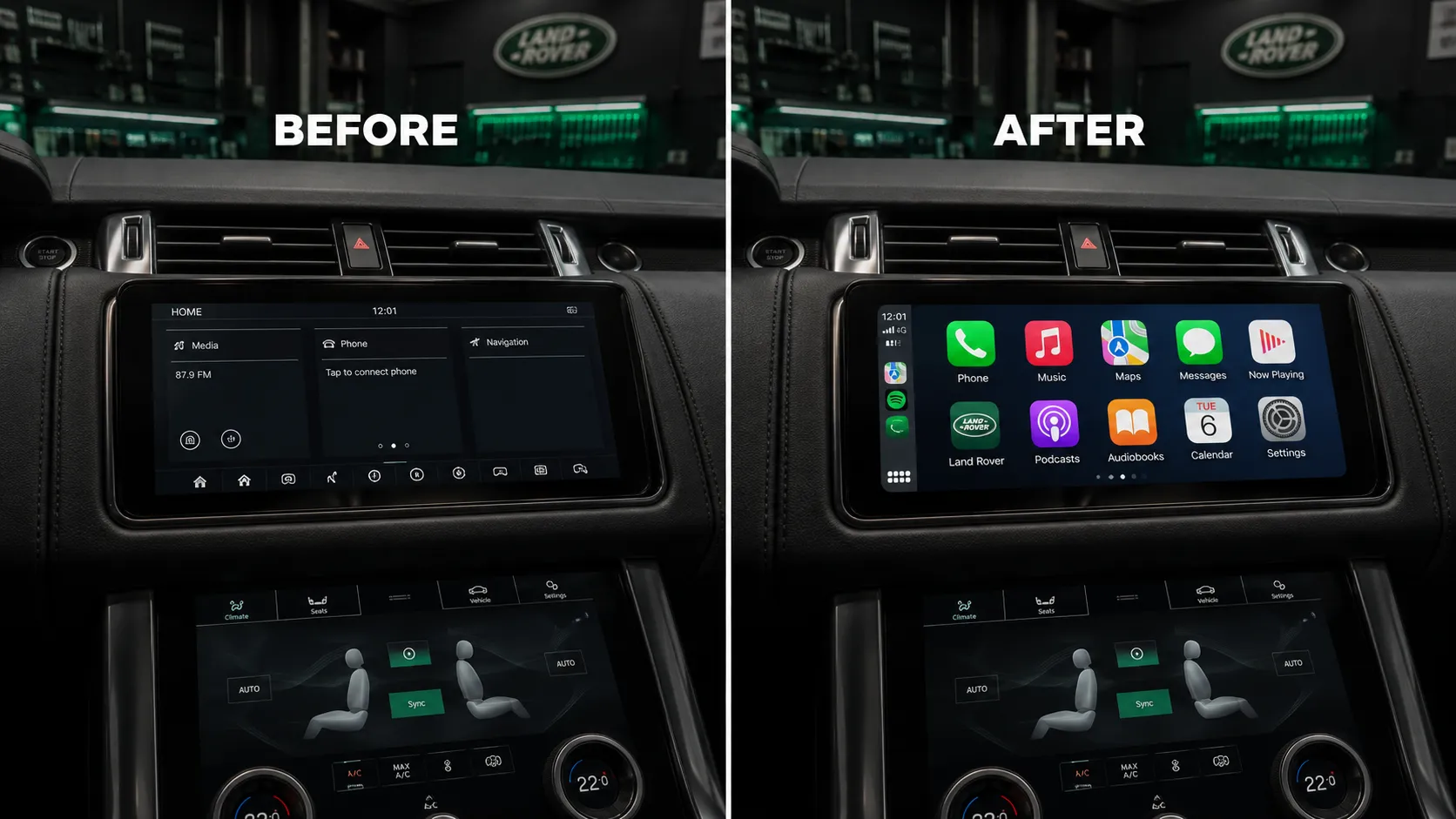
The capability was always there. It was just never switched on.
Which System Does Your Vehicle Run? The Two-Minute Answer
Your eligibility comes down to the infotainment system behind your screen, and you can gauge it in two minutes from the driver’s seat. These are the paths, and your VIN confirms which one is yours.
| Your system | Rough era | Your path | Price (AUD) |
|---|---|---|---|
| PIVI Pro (fast, modern interface) | Roughly 2020 on | Activation of CarPlay, Android Auto or wireless functionality where not enabled | From $580 |
| InControl Touch Pro (widescreen) | Roughly 2016 to 2020 | The classic activation candidate: hardware ready, software silent | From $580 |
| Earlier InControl / InControl Touch | Before roughly 2016 | Honest answer: usually a hardware path with a genuine screen upgrade | Retrofit, quoted on VIN check |
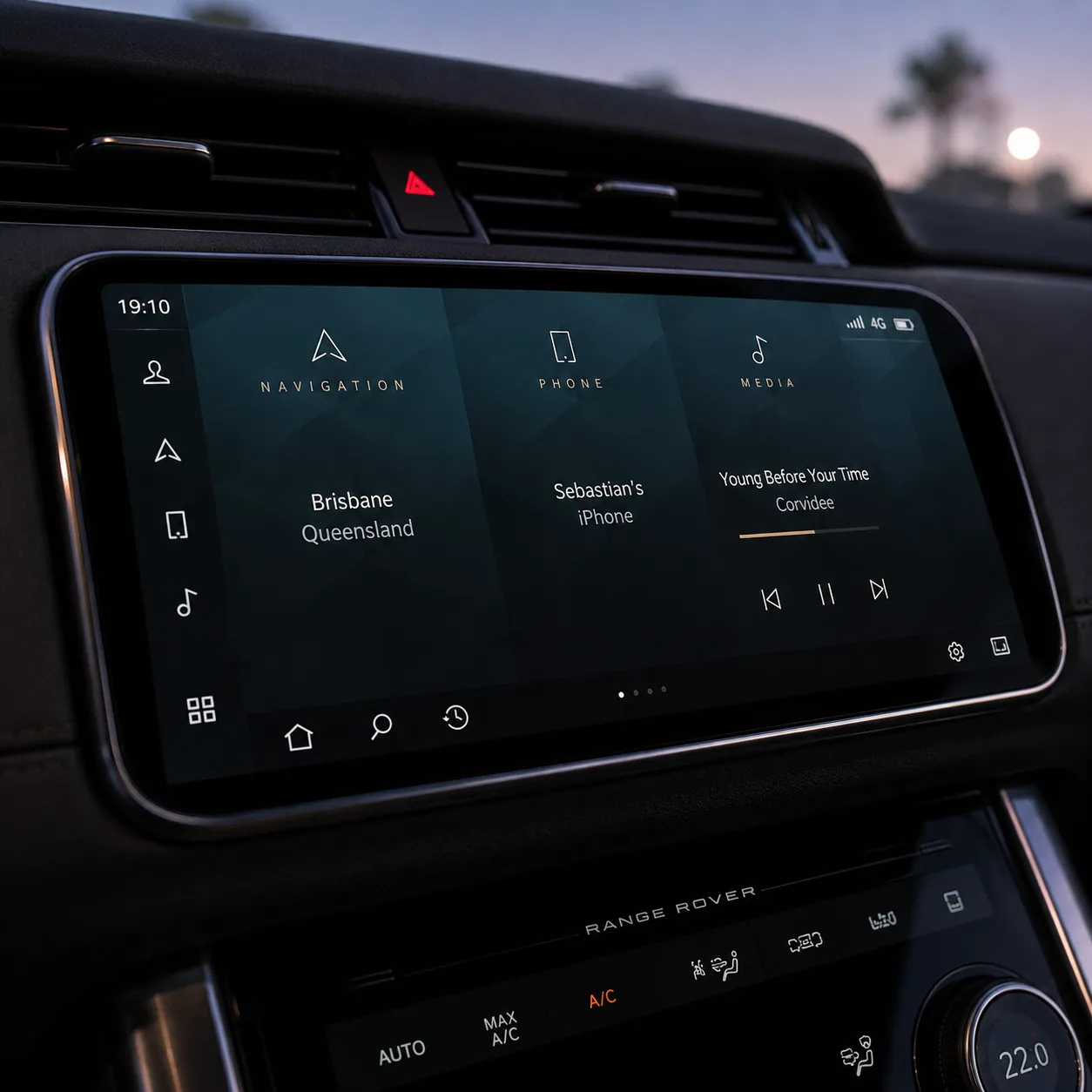
Two minutes in the driver’s seat narrows it down. Your VIN settles it.
On wired versus wireless, we will give you the answer nobody else volunteers: it depends on your exact system version, not on what you wish it supported. Some builds activate to full wireless CarPlay, others run wired, and your VIN tells us which before you book. We would rather set that expectation now than have you discover it in the car park.
Every activation includes a 12-month workmanship guarantee.
What Changes the Day You Drive Out
The feature list matters less than the daily reality, so here is what actually changes. Google Maps or Waze on the big factory screen instead of a phone wedged in a cup holder, rerouting you around the Gateway crawl in real time. Your Spotify, podcasts and audiobooks exactly where you left them, on the school run and the long hauls up to Noosa or down to the Gold Coast. Messages read aloud and answered by voice, so the phone stays in your pocket where the law wants it anyway.
And the part owners mention most: it all runs through your vehicle’s own screen, own controls and own microphones, the way JLR designed it to work on the higher-spec builds. Nothing stuck to the windscreen, nothing wired under the dash, nothing that looks like a compromise in a vehicle that never should have needed one.
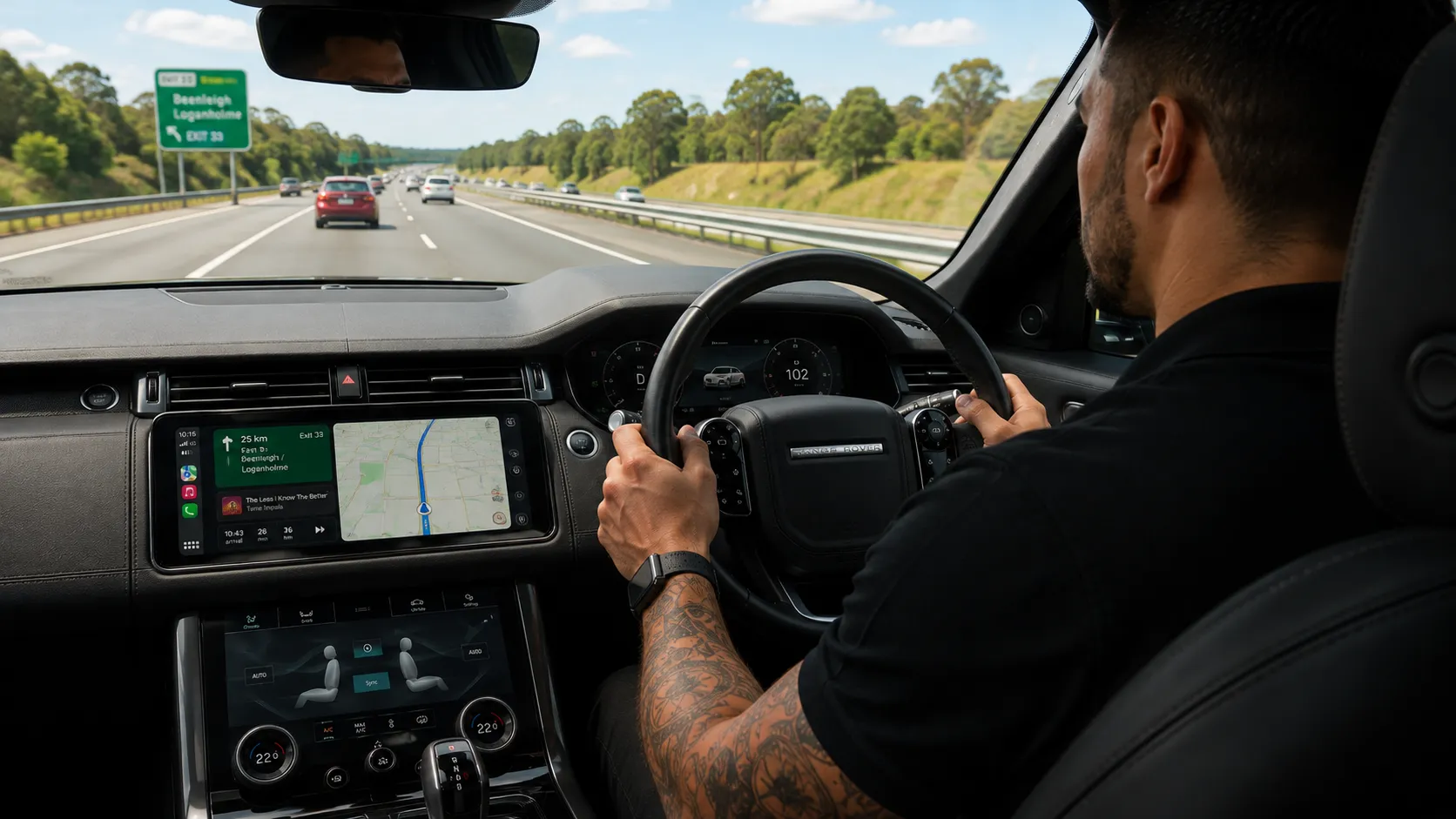
Your phone and your factory screen, finally speaking the same language.
Your Five-Point Checklist Before You Book
Five minutes with this list and your quote comes back faster and cleaner.
1. Identify your screen. A modern, fast interface suggests PIVI Pro; the older widescreen layout suggests InControl Touch Pro. Either way you are likely in the game, and there is no need to be sure, because the VIN settles it.
2. Find your VIN. Base of the windscreen on the driver’s side, or on your registration papers. Those 17 characters tell us your exact infotainment build and which activation path applies.
3. Note your phone. iPhone, Android or both in the household. It changes nothing about eligibility, but it lets us confirm the exact experience you will get on your system.
4. Confirm your vehicle is unmodified. We activate factory baselines only. If a previous owner fitted an aftermarket head unit or third-party integration box, tell us upfront and we will advise honestly.
5. Think about timing. Bookings typically land within two weeks, the activation takes one to two hours while you wait, and a pre-booked courtesy car is available by advance reservation, subject to availability if you would rather not.
Why Owners Trust SemCar With Their Screens
Infotainment activations touch the module your whole cabin runs through, and you deserve to know who is plugging into it. Every activation is carried out by a factory-trained Jaguar Land Rover master technician using dealership-level diagnostic equipment at our dedicated JLR workshop in Capalaba. Australia’s Motor Vehicle Information Scheme gives specialist independent workshops access to manufacturer service information, and we use it to keep every activation inside factory parameters.
Most CarPlay customers leave with a longer list than they arrived with, because the same VIN check that confirms your screen also reveals every other activation your build supports, and often a factory power upgrade sitting quietly in the engine. One check, the whole picture, no obligation.
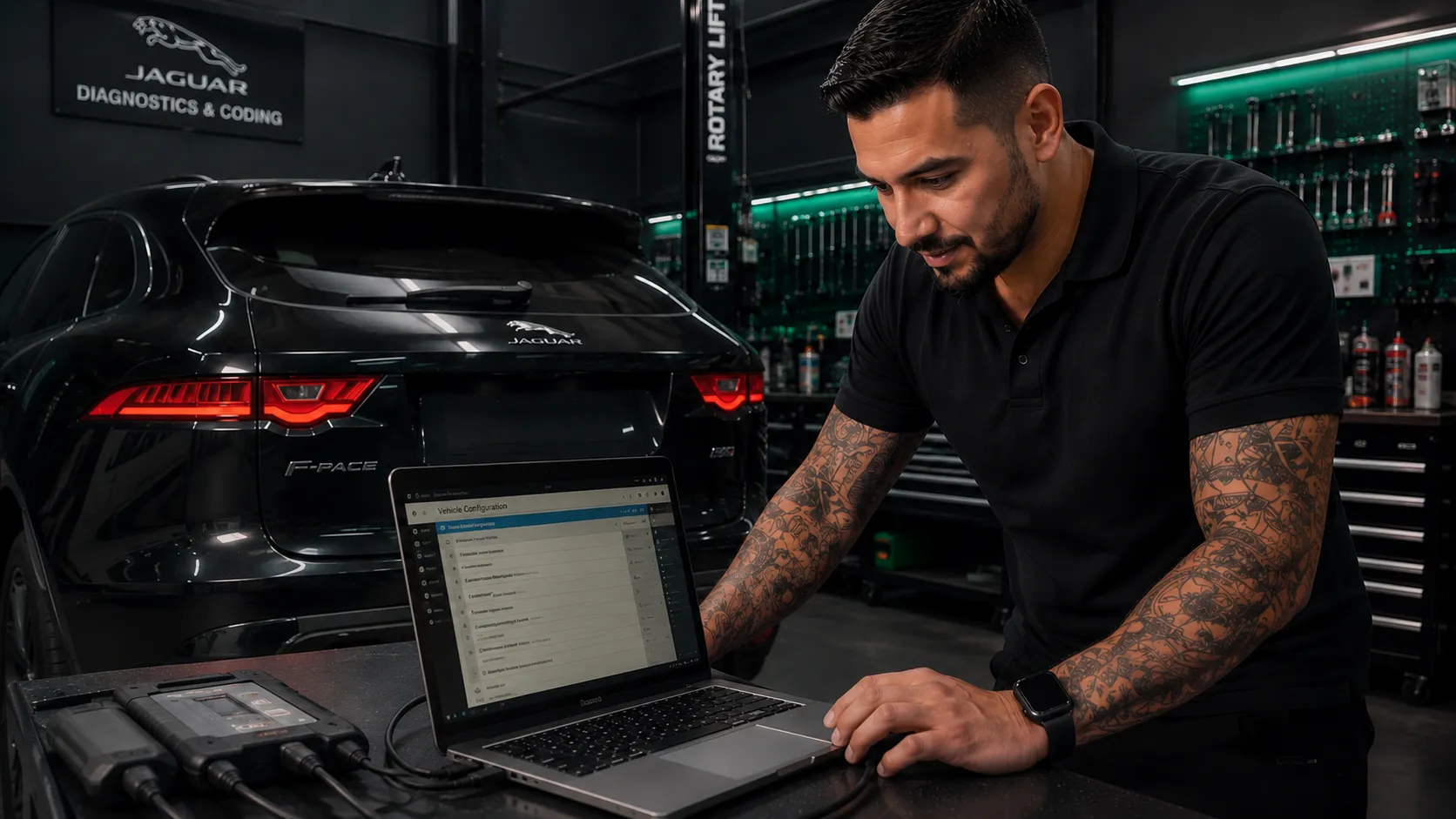
Factory-trained. Dealership-level equipment. Your factory screen, unlocked.
Questions You Must Ask Before Booking
Will my CarPlay activation survive JLR software updates?
Sometimes an update overwrites it, and you deserve that answer before you pay, not after. JLR pushes over-the-air updates, and occasionally a major one resets an activated feature. When that happens, bring the vehicle back and we re-apply it. It is rare, it is a known part of how this service works everywhere in the world, and anyone who promises their activations always survive updates is telling you what you want to hear.
Do I need a new head unit or any extra hardware?
On qualifying systems, no, and that is the entire point. The activation runs on your factory screen, factory microphones and factory controls. An aftermarket head unit in a Land Rover or Jaguar costs about the same, looks like what it is, and hurts your resale value. Where your system genuinely cannot support activation, the honest path is a genuine screen retrofit, and we will tell you that at the VIN check rather than sell you an activation that cannot work.
Will it be wireless or do I need a cable?
It depends on your exact system version, and we will confirm which before you book. Some builds support full wireless CarPlay and Android Auto, others run wired. What we will not do is promise wireless to every caller and hope you do not mind in the car park.
Will the activation void my new-car warranty?
Under Australian Consumer Law, a manufacturer cannot void your entire warranty simply because a third party has worked on your vehicle; what matters is whether the work caused a fault. Our activations enable factory functionality within manufacturer specifications, which is the strongest position you can be in, and every job carries our own 12-month workmanship guarantee.
Can a dealer tell the activation has been done?
We will not pretend otherwise: yes, a dealer with the right equipment can identify that your configuration differs from your VIN’s delivery build. What they find is factory functionality that exists in JLR’s own configuration space, not third-party software. Anyone who claims invisibility is telling you what you want to hear.
Does the activation stay with the vehicle if I sell it?
Yes. The activation lives in your vehicle’s own modules, not in an app or subscription tied to you, so it remains with the vehicle for the next owner. “CarPlay and Android Auto enabled” is a genuine line for your listing when the time comes.
How long does the activation take?
One to two hours for most vehicles. You are welcome to wait at the workshop, or take a pre-booked courtesy car, which is available by advance reservation, subject to availability. Typical booking lead time is within two weeks.
Is there anything you will not do?
Yes. No aftermarket head units or third-party integration boxes, no grey imports, no previously modified vehicles, and no promises about a system your VIN says cannot deliver. If the honest answer is a hardware path or no path at all, you will hear it at the free VIN check.
Can a Range Rover L322, Discovery 3, Discovery 4 or Freelander 2 get CarPlay?
Yes, and here is the honest version of how. The factory screens in these earlier vehicles, the Range Rover L322, Discovery 3, Discovery 4 and Freelander 2, predate the software architecture the $580 activation relies on, so anyone offering to simply switch CarPlay on for one of them is describing a different product, usually an aftermarket box. The genuine path for these builds is the screen upgrade route, quoted on your VIN, which brings CarPlay and a modern interface into the cabin properly. And where your specific build’s honest answer is that no genuine path exists, you will hear that plainly at the free VIN check rather than be sold the wrong thing. We work on all of these vehicles from 2005 onwards.
How It Works: VIN to Driveway in Four Steps
1. Free VIN check. Send us your VIN and tell us which phone you carry. We confirm your infotainment build, your activation path, and wired or wireless.
2. Fixed quote. A straight answer and a fixed price. No surprises, no “bring it in and we will see”.
3. Book in. Typically within two weeks. The activation takes one to two hours while you wait, or take a pre-booked courtesy car.
4. Drive out. Your phone on your factory screen, the way it always should have been, backed by our 12-month guarantee.
Get Your Free VIN Check Right Here
Fill this in with your VIN and what you are curious about, and we will come back to you with exactly what your vehicle supports and fixed prices. Free, no obligation, and often more interesting than you expect. One honest boundary before you start: we work on vehicles from 2005 onwards, because earlier builds predate the factory electronic systems these services rely on.
Ready to Put Your Phone on Your Factory Screen?
Call us on (07) 3823 5844 or send your VIN through the VIN check form above. The VIN check is free, the quote is fixed, and the cup holder can go back to holding cups.